
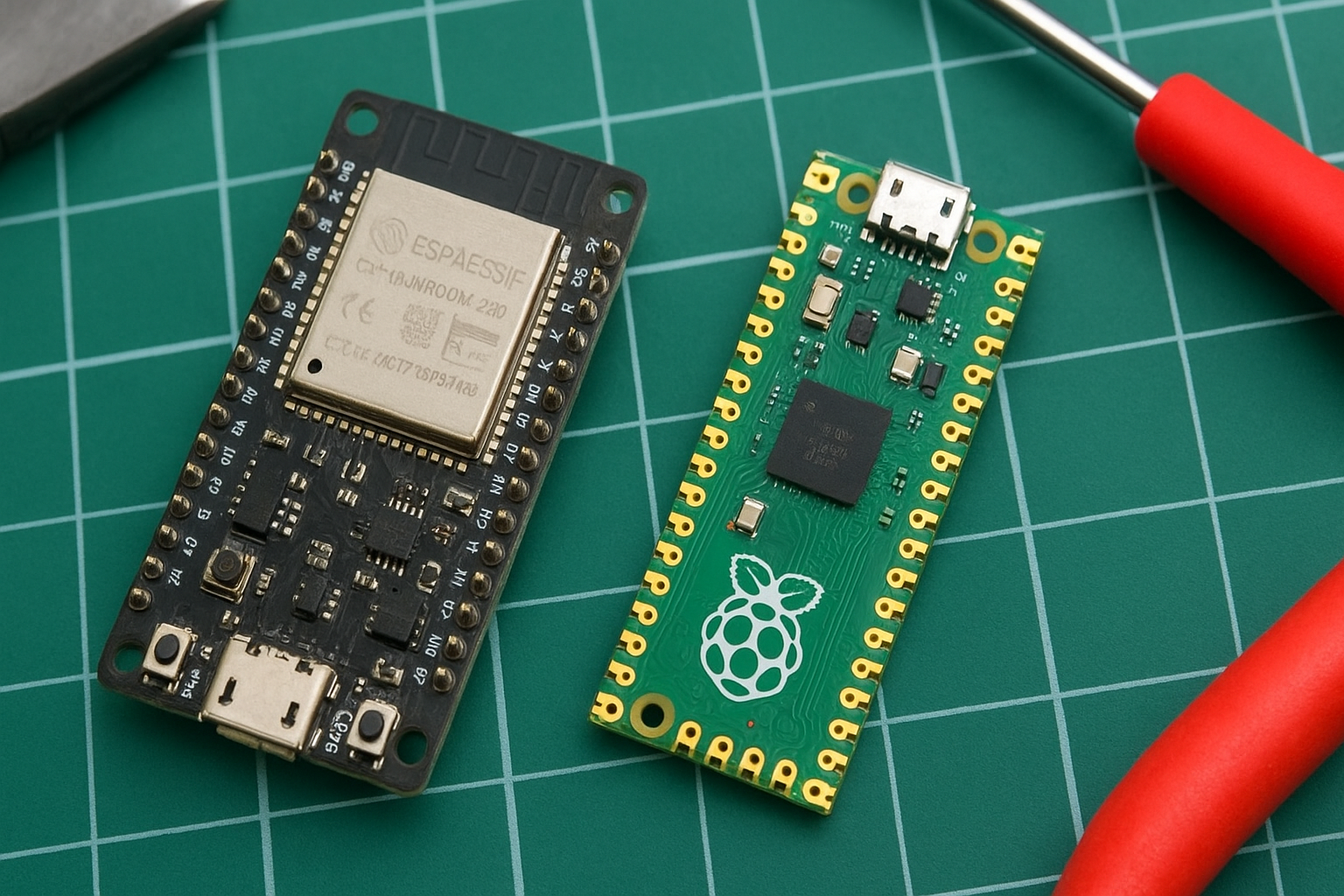
When it comes to DIY electronics or IoT projects, choosing the right microcontroller can make all the difference. Two of the most popular options today are the ESP32 and the Raspberry Pi Pico.
Both are budget-friendly, powerful, and beginner-friendly boards — but they have different strengths.
In this article, we’ll compare ESP32 vs Raspberry Pi Pico in terms of performance, features, connectivity, power usage, and price to help you decide which one suits your next project best.
1. Overview: ESP32 and Raspberry Pi Pico
ESP32
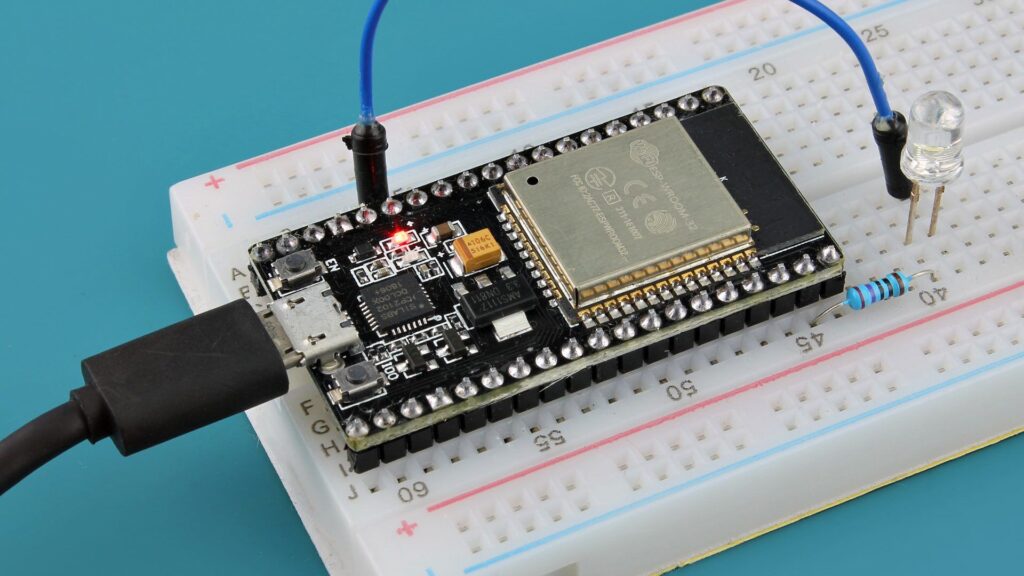
The ESP32, developed by Espressif Systems, is a dual-core microcontroller with built-in Wi-Fi and Bluetooth. It’s designed for IoT (Internet of Things) projects and smart devices.
Key Highlights:
- Dual-core 32-bit processor
- Built-in Wi-Fi + Bluetooth
- Clock speed up to 240 MHz
- Large GPIO pins with ADC, DAC, SPI, I2C, UART
- Ideal for IoT, home automation, and wireless projects
Raspberry Pi Pico
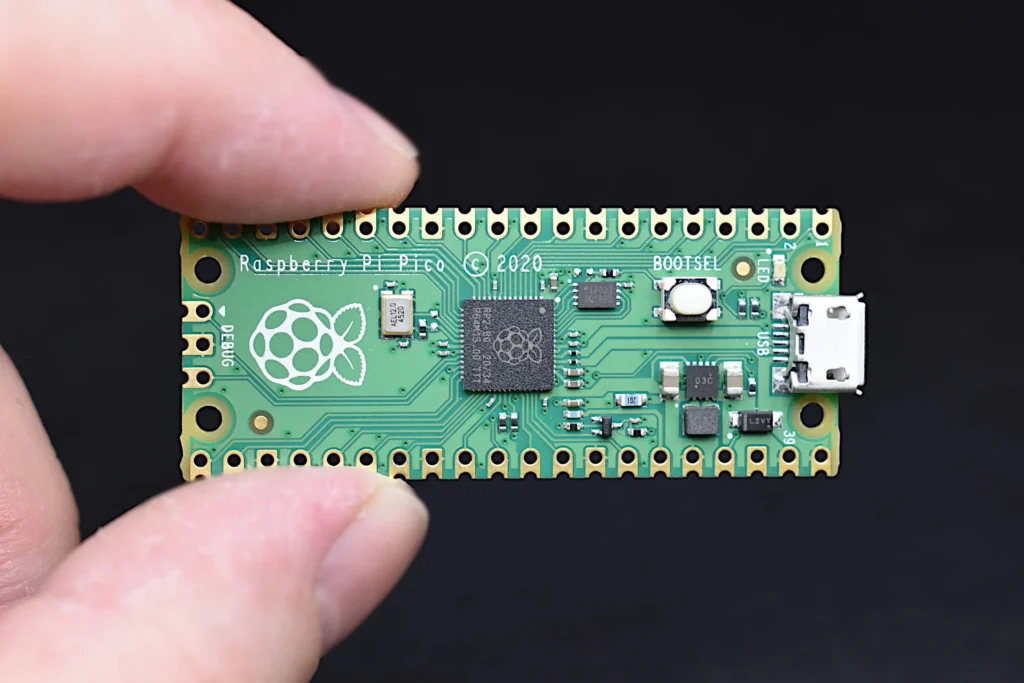
The Raspberry Pi Pico, launched by the Raspberry Pi Foundation, uses the RP2040 chip, designed for high performance and flexibility at a low cost. It does not have built-in Wi-Fi (unless you choose the Pico W version).
Key Highlights:
- Dual-core ARM Cortex-M0+ processor
- Up to 133 MHz clock speed
- No Wi-Fi/Bluetooth (Pico W has Wi-Fi)
- 26 GPIO pins
- Perfect for embedded and low-power projects
Performance Comparison
| Feature | ESP32 | Raspberry Pi Pico |
|---|---|---|
| Processor | Dual-core Xtensa LX6 (32-bit) | Dual-core ARM Cortex-M0+ |
| Clock Speed | Up to 240 MHz | Up to 133 MHz |
| Flash Memory | 4 MB (varies) | 2 MB |
| SRAM | 520 KB | 264 KB |
| Connectivity | Wi-Fi, Bluetooth | None (Wi-Fi on Pico W) |
| USB Support | Yes | Yes |
| Analog Input | 12-bit ADC | 12-bit ADC |
| Digital Pins | 30+ GPIO | 26 GPIO |
Winner: ESP32
It offers more processing power, memory, and built-in wireless features.
3. Connectivity Options
This is one of the biggest differences between these two boards.
- ESP32 has built-in Wi-Fi and Bluetooth, which makes it ideal for smart home and IoT applications like:
- Smart door locks
- IoT sensors
- Home automation
- Wireless data logging
- Raspberry Pi Pico, on the other hand, lacks wireless connectivity (unless you get the Pico W, which adds Wi-Fi). It’s better suited for wired, low-level, or sensor-based projects.
Winner: ESP32 for built-in wireless capabilities.
4. Power Consumption
The Raspberry Pi Pico consumes less power compared to the ESP32, making it great for battery-powered or wearable projects.
The ESP32, while more powerful, consumes more current due to its Wi-Fi and Bluetooth modules.
Winner: Raspberry Pi Pico for low-power and portable projects.
5. Programming and Compatibility
Both boards are beginner-friendly and can be programmed using:
- MicroPython
- C/C++
- Arduino IDE (for ESP32)
- Thonny (for Pico)
However, the ESP32 has wider community support for Arduino IDE, while the Pico has great documentation for MicroPython.
Winner: Tie – both are great for beginners.
6. Price Comparison
Price is one of the biggest factors for hobbyists.
| Board | Average Price (INR) | Average Price (USD) |
|---|---|---|
| ESP32 | ₹400 – ₹600 | $5 – $8 |
| Raspberry Pi Pico | ₹350 – ₹500 | $4 – $6 |
| Pico W (Wi-Fi version) | ₹600 – ₹800 | $7 – $10 |
Winner: Raspberry Pi Pico – slightly cheaper, especially if Wi-Fi is not needed.
7. Applications and Use Cases
Best Projects for ESP32:
- IoT Smart Home Systems
- Wi-Fi-enabled Robots
- Weather Monitoring Systems
- Bluetooth-controlled devices
- Wireless Data Logger
Read about : ESP32 Projects Ideas
Best Projects for Raspberry Pi Pico:
- Sensor-based monitoring
- Robotics (wired)
- Wearable devices
- Data acquisition
- Educational projects
Read Full article: DIY Electronics Tools
8. Pros and Cons
ESP32 Pros:
✅ Built-in Wi-Fi and Bluetooth
✅ Higher processing power
✅ Great for IoT
✅ Large community support
ESP32 Cons:
❌ Higher power consumption
❌ Slightly more expensive
Raspberry Pi Pico Pros:
✅ Affordable and low-power
✅ Easy for beginners
✅ Reliable performance
✅ Excellent documentation
Raspberry Pi Pico Cons:
❌ No wireless support (except Pico W)
❌ Less flash memory
9. Final Verdict
If your project needs Wi-Fi or Bluetooth, the ESP32 is the clear winner — it’s a complete IoT powerhouse with great support and performance.
If you’re working on low-power or sensor-based projects, the Raspberry Pi Pico (or Pico W) is more efficient and affordable.
👉 In short:
- Choose ESP32 for smart, connected projects.
- Choose Raspberry Pi Pico for compact, offline, or low-power applications.
You can buy these boards from Amazon or similar platforms:
- 🔗 Buy ESP32 Board on Amazon (affiliate link)
- 🔗 Buy Raspberry Pi Pico on Amazon (affiliate link)
You also read
Best Soldering Kit for Beginners 2025